
Kaiju Alpha Controls
The 1-5-R-T layout every kaiju shares, plus the habits that keep you from roaring in your own beam.
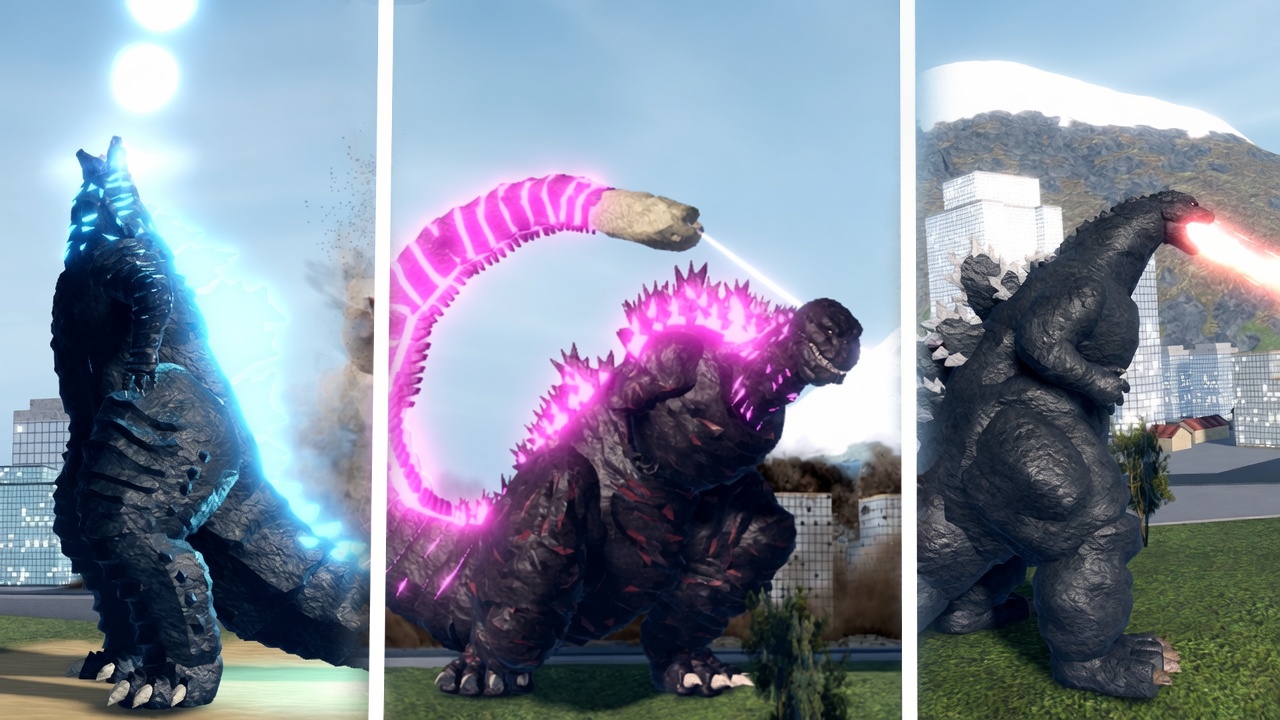
Kaiju Alpha prints its control list in the Roblox description on purpose. Every kaiju, from a free 1954 Godzilla to a max Destoroyah, uses the same slots. Learn the layout once and you can read a new kit in a minute. This page is the reference: PC, mobile, roars, stamina, and the mistakes that look like “this kaiju is weak” when you simply fired skill 5 into the floor.
Official map from the live game:
| Input | Action |
|---|---|
| 1 | Skill 1 |
| 2 | Skill 2 |
| 3 | Skill 3 |
| 4 | Skill 4 |
| 5 | Skill 5 |
| R | Roar 1 |
| T | Roar 2 |
Movement is standard Roblox: WASD, mouse look, Space to jump. Flyers stay airborne with jump plus forward movement rather than a unique flight hotkey. There is no hidden sixth skill. If a YouTube overlay shows extra binds, that is a script GUI, not the vanilla game. Vanilla play is enough to farm; see the scripts hub only if you already understand the risk.
What each slot is usually for
Slots are universal. The move inside the slot is not. After a few kits you will feel a pattern:
- Skill 1 is often the poke or beam you hold down the street.
- Skills 2-4 mix movement, melee, or secondary beams. Heisei is famous for overlapping beam tools, which is why farmers like it even after the Update 45 rework.
- Skill 5 is frequently the big cooldown. Update 45 made that explicit on Kiryu: Absolute Zero cannon max damage 3750, cooldown 100 seconds. That is not a button you mash because you are bored.
- R and T are roars. They are not “taunt for fun” only. Some kits use a roar as knockback or a short buff. Attacks cannot be performed during a roar, which the community wiki has repeated for months. If you R in melee, you have volunteered to eat a beam.
Go to an empty street after every unlock and fire 1-5, then R, then T. Watch the animation length. If a move roots you, you now know not to start it in someone else’s breath.
Stamina and why you stop sprinting through every fight
Sprinting, flying, and some skills share a stamina-style resource players simply call energy. Empty it in a chase and you cannot sidestep the next atomic breath. The how to play page treats this as a PvP habit. On this controls page the rule is mechanical: never dump the bar to zero unless you are already disengaging to a rooftop.
Beam clash and limit break showed up in older official text (Update 25). They are not extra keys. They are states that happen when the right kits collide or when a kaiju is pushed past a level breakpoint. Do not rebind your keyboard hunting for a clash key. Play the 1-5 layout and let the engine resolve clashes.
Mobile
On a phone the numbered skills become on-screen buttons in the same order. Roars are still R and T on a keyboard; on touch they are extra buttons near the skill cluster. The Option menu, including the Codes tab, is a separate icon. Do not confuse the Roblox hamburger with Option.
Thumb overlap is the mobile killer. If you keep firing skill 1 while trying to turn the camera, lock your rotation sensitivity down and practice one beam pass on buildings before you enter a 25-player pile. Auto-lock scripts exist; they also get accounts banned. Learn to aim.
Camera and targeting
Keep the enemy near the center before a directional beam. Firing while the camera stares at the sky is how you “miss a 3750-damage cannon.” For flyers, drop height before you commit skill 5 so the projectile actually hits the street brawl you are farming. The cell farm guide is built on that habit: high enough to see the crowd, low enough that the beam connects.
Practice routine (five minutes)
- Spawn on a free kaiju.
- Fire each skill once at a building. Name it out loud: poke, melee, beam, big cooldown.
- Roar once. Confirm you cannot attack during it.
- Strafe a circle while holding a beam.
- Swap to the kaiju you actually main and repeat. The binds did not change. The timings did.
After that, the beginner guide and builds make sense because you are no longer blaming the kit for your fingers. Update 45 did change numbers — Kiryu’s run speed 13 to 17, Godzilla 2000 run speed 9 to 13 — but it did not change which key you press. Master the layout, then chase the tier list.
Frequently Asked Questions
Quick answers players search before they join a 25-player server.
What are the Kaiju Alpha keybinds?
1-5 activate skills. R is roar 1 and T is roar 2. Movement is WASD with mouse aim. The same layout is in the official Roblox description.
Can I attack during a roar?
No. Roars lock attacks. Use R or T to make space, not in the middle of a combo you still need to finish.
Is there a different control scheme per kaiju?
No. Every kaiju uses 1-5-R-T. Only the move inside each slot changes, which is why the beginner guide tells you to test a kit on empty streets.
How do I open codes from the control screen?
Codes are not a combat key. Open Option, then the Codes tab, as shown in the redeem guide.